Top 6 WordPress Spee...
Top 6 WordPress Speed Optimization plugin 2026

Top 6 WordPress Speed Optimization plugin 2026
Top 6 WordPress Speed Optimization plugin 2026ঃ In the fast-paced digital landscape of 2026, website speed is no longer a luxury—it’s a necessity. Slow-loading sites frustrate users, leading to higher bounce rates and lost opportunities. For WordPress users, bloggers, web developers, and business owners, optimizing site speed can dramatically enhance user experience, boost SEO rankings, and increase conversions. According to recent studies, a one-second delay in page load time can reduce conversions by up to 7%, and with e-commerce projected to dominate even more in 2026, every millisecond counts.
Google’s Core Web Vitals remain a cornerstone of search engine optimization, measuring real-world user experiences through metrics like Largest Contentful Paint (LCP), First Input Delay (FID), and Cumulative Layout Shift (CLS). With mobile-first indexing fully entrenched, search engines prioritize fast, responsive sites, especially on mobile devices where over 60% of traffic originates. For WordPress sites, which power nearly 45% of the web, achieving optimal speed is crucial to staying competitive. This is where WordPress Speed Optimization Plugins 2026 come into play—they automate complex optimizations, making it easier to pass Core Web Vitals and deliver lightning-fast experiences.
Whether you’re running a personal blog, a WooCommerce store, or a corporate site, investing in the right WordPress performance optimization tools can transform your site’s performance. In this comprehensive guide, we’ll explore the top 6 WordPress speed optimization plugins for 2026, including must-haves like LiteSpeed Cache, and provide actionable insights to help you improve WordPress speed effectively.
Why WordPress Websites Become Slow
WordPress is versatile and user-friendly, but its flexibility can lead to performance bottlenecks if not managed properly. Common culprits include large images that aren’t compressed, bloating file sizes and extending load times. For instance, a high-resolution hero image could add several seconds to your page load on mobile networks.
Another major issue is too many plugins. Each additional plugin introduces extra code, database queries, and HTTP requests, overwhelming your server. Heavy themes packed with unnecessary features exacerbate this, loading bloated CSS and JavaScript files that aren’t optimized for speed.
Unoptimized CSS and JS files are frequent offenders, causing render-blocking issues where browsers must download and parse them before displaying content. Slow hosting environments, lacking sufficient resources or server-side caching, further compound the problem, resulting in high Time to First Byte (TTFB).
Without proper caching, every page request regenerates content dynamically, straining resources during traffic spikes. Real-world examples of slow site behaviors include high bounce rates—users abandoning pages that take over 3 seconds to load—and low SEO scores, as Google penalizes sluggish sites in rankings. Tools like Google PageSpeed Insights often flag these issues, showing poor Core Web Vitals scores that directly impact visibility and revenue.
How WordPress Speed Optimization Plugins Work
How WordPress Speed Optimization Plugins Work
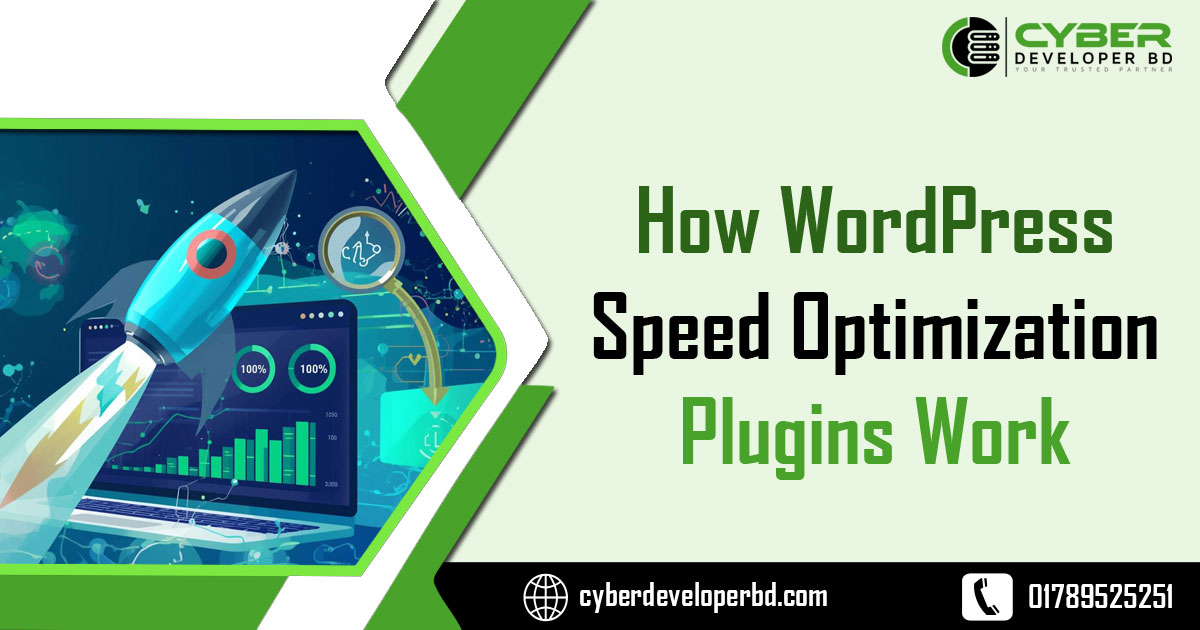
WordPress speed optimization plugins streamline performance by implementing proven techniques that reduce load times and enhance efficiency. At their core, these plugins focus on minimizing server workload and optimizing resource delivery.
Page caching creates static HTML versions of dynamic pages, serving them quickly without querying the database each time. This drastically cuts TTFB and handles high traffic better. Browser caching instructs visitors’ browsers to store files locally, reducing repeat downloads.
Techniques like minification remove unnecessary characters from CSS, JS, and HTML files, shrinking their size. Combination of CSS/JS merges multiple files into one, cutting down HTTP requests—a key factor in speeding up initial loads.
Lazy loading defers off-screen images and elements until needed, improving perceived speed and LCP scores. CDN integration distributes content across global servers, ensuring faster delivery to users worldwide. Finally, database optimization cleans up revisions, spam, and transients, preventing bloat that slows queries.
These methods collectively improve load time by 20-50% or more, directly boosting Core Web Vitals. For example, better CLS from stable layouts and faster FID from optimized scripts lead to higher user satisfaction and SEO rankings in 2026’s competitive environment.
Image Optimization
Top 6 WordPress Speed Optimization plugin 2026
Images are often the heaviest elements on a WordPress site, accounting for up to 50% of page weight. Unoptimized images slow down loading, especially on image-rich sites like portfolios or e-commerce stores, leading to poor mobile performance and higher bandwidth usage.
To combat this, compression reduces file sizes without noticeable quality loss—tools can shrink JPEGs by 60-80%. Advanced formats like WebP and AVIF offer superior compression, delivering smaller files that load faster across modern browsers.
Lazy loading ensures images only load when entering the viewport, prioritizing above-the-fold content for quicker initial renders. Responsive images serve appropriately sized versions based on device, avoiding oversized downloads on mobiles.
Plugins automate these processes: they scan and optimize existing media libraries, convert to next-gen formats, and apply lazy loading site-wide. This not only improves WordPress speed but also enhances image optimization WordPress practices, contributing to better Core Web Vitals and user engagement.
For actionable tips, start by auditing your media library with tools like Google PageSpeed Insights, then use a plugin to bulk-optimize. Always back up originals and test for visual quality post-optimization.
Top 6 WordPress Speed Optimization Plugins for 2026
As we head into 2026, selecting the right WordPress Speed Optimization Plugins 2026 is essential for maintaining peak performance. Below, we detail the top six, including LiteSpeed Cache, based on their features, ease of use, and impact.
Top 6 WordPress Speed Optimization plugin 2026
WP Rocket
WP Rocket is a premium caching plugin renowned for its simplicity and powerful optimizations, making it a go-to for WordPress performance optimization.
- Key Features: Automatic page caching, browser caching, GZIP compression, minification of CSS/JS/HTML, lazy loading for images and iframes, database optimization, and CDN integration.
- How It Works Technically: Upon activation, it generates static HTML files for caching, minifies code to reduce file sizes, and preloads cache for faster delivery. It also optimizes database tables and removes unused entries.
- Who Should Use It: Beginners and bloggers for easy setup; developers and WooCommerce owners for advanced e-commerce optimizations; business owners aiming for quick SEO gains.
LiteSpeed Cache
LiteSpeed Cache is a free, all-in-one acceleration plugin that leverages server-level caching for superior speed, ideal for high-traffic sites.
- Key Features: Full-page caching, image optimization with WebP support, CSS/JS minification, lazy loading, database cleanup, browser caching, and QUIC.cloud CDN integration.
- How It Works Technically: It uses server-side caching to store rendered pages, combines and minifies assets, and employs a cache crawler to refresh expired content automatically.
- Who Should Use It: Hosting providers and agencies on LiteSpeed servers; WooCommerce users for dynamic content handling; developers seeking free, robust tools.
NitroPack
NitroPack offers comprehensive, cloud-based optimization, combining caching with advanced features for effortless speed boosts.
- Key Features: Advanced caching, image and video optimization, code minification, lazy loading, font subsetting, and built-in global CDN.
- How It Works Technically: It creates optimized file copies, applies smart caching with invalidation, compresses images, and defers non-critical resources for faster loads.
- Who Should Use It: Business owners with complex sites; e-commerce platforms needing video optimizations; beginners wanting a set-it-and-forget-it solution.
WPSpeed
WPSpeed is an emerging optimization plugin focused on achieving perfect PageSpeed scores through caching and performance tweaks.
- Key Features: Static HTML caching, PageSpeed boosting, Core Web Vitals improvements, TTFB reduction, image compression, and minification.
- How It Works Technically: It enables static caching to serve pre-rendered pages, optimizes assets, and cleans databases to minimize server load.
- Who Should Use It: Bloggers targeting mobile perfection; small business owners on budget hosting; developers experimenting with new tools for 2026.
Perfmatters
Perfmatters is a lightweight plugin that eliminates bloat and fine-tunes performance without overlapping with caching tools.
- Key Features: Disable unused scripts, remove code bloat, database optimization, lazy loading, and HTTP request reduction.
- How It Works Technically: It uses toggle switches to strip unnecessary features, defer scripts, and clean databases, reducing overall page weight.
- Who Should Use It: Developers pairing it with caching plugins; webmasters on bloated sites; business owners focused on minimalism.
Autoptimize
Autoptimize excels at asset optimization, making it a free companion for caching plugins to handle CSS/JS efficiently.
- Key Features: CSS/JS/HTML minification, aggregation, lazy loading with WebP/AVIF, Google Fonts optimization, and emoji removal.
- How It Works Technically: It aggregates files, minifies them, defers loading, and caches results for quicker delivery.
- Who Should Use It: Budget-conscious bloggers; developers on HTTP/2 sites; e-commerce users optimizing heavy themes.
How Each Plugin Improves Website Speed
Each of these WordPress Speed Optimization Plugins 2026 employs specific strategies to enhance performance.
WP Rocket accelerates sites by caching pages and minifying CSS/JS, reducing HTTP requests and improving LCP through lazy loading and preload features. This results in faster TTFB and better conversions.
LiteSpeed Cache leverages server-level caching and ESI for dynamic content, minifying scripts and optimizing images to cut load times by up to 50%. Its crawler ensures fresh caches, boosting FID.
NitroPack’s all-in-one approach includes CDN delivery and code deferral, compressing assets and lazy-loading media for sub-3-second loads.
WPSpeed focuses on static HTML generation and TTFB reduction, automating minification and database tweaks for perfect PageSpeed scores.
Perfmatters strips bloat like unused scripts, managing databases and deferring JS to minimize requests and enhance CLS.
Autoptimize combines and minifies files, asyncing JS and optimizing fonts, which eliminates render-blocking and supports modern image formats for faster renders.
Tips for Maximum Optimization
To supercharge your WordPress site in 2026, combine plugins strategically. For example:
- Pair a caching plugin like WP Rocket with a script manager like Perfmatters to handle caching and bloat removal without conflicts.
- Use Autoptimize alongside LiteSpeed Cache for enhanced asset minification.
Consider hosting—opt for managed WordPress hosts with SSD storage and built-in caching. Integrate a CDN like Cloudflare for global speed.
For image optimization WordPress, always compress uploads and enable lazy loading. Remove unused plugins and scripts via audits with tools like Query Monitor.
Monitor with Google Analytics for bounce rates and PageSpeed Insights for ongoing tweaks. Test changes on staging sites to avoid disruptions.
Conclusion
In summary, mastering WordPress Speed Optimization Plugins 2026 is key to thriving online. From WP Rocket’s ease to LiteSpeed Cache’s power, these tools address common slowdowns through caching, minification, and more, ensuring top-notch user experience and SEO. By implementing these alongside best practices like image optimization and smart hosting, you’ll improve WordPress speed significantly.We recommend starting with LiteSpeed Cache for free trials or WP Rocket for premium features. Take action today—optimize your site for 2026 and watch engagement soar. Your users (and search engines) will thank you.

