What Is DNS (Domain...
What Is DNS (Domain Name System)?
What Is DNS (Domain Name System)?
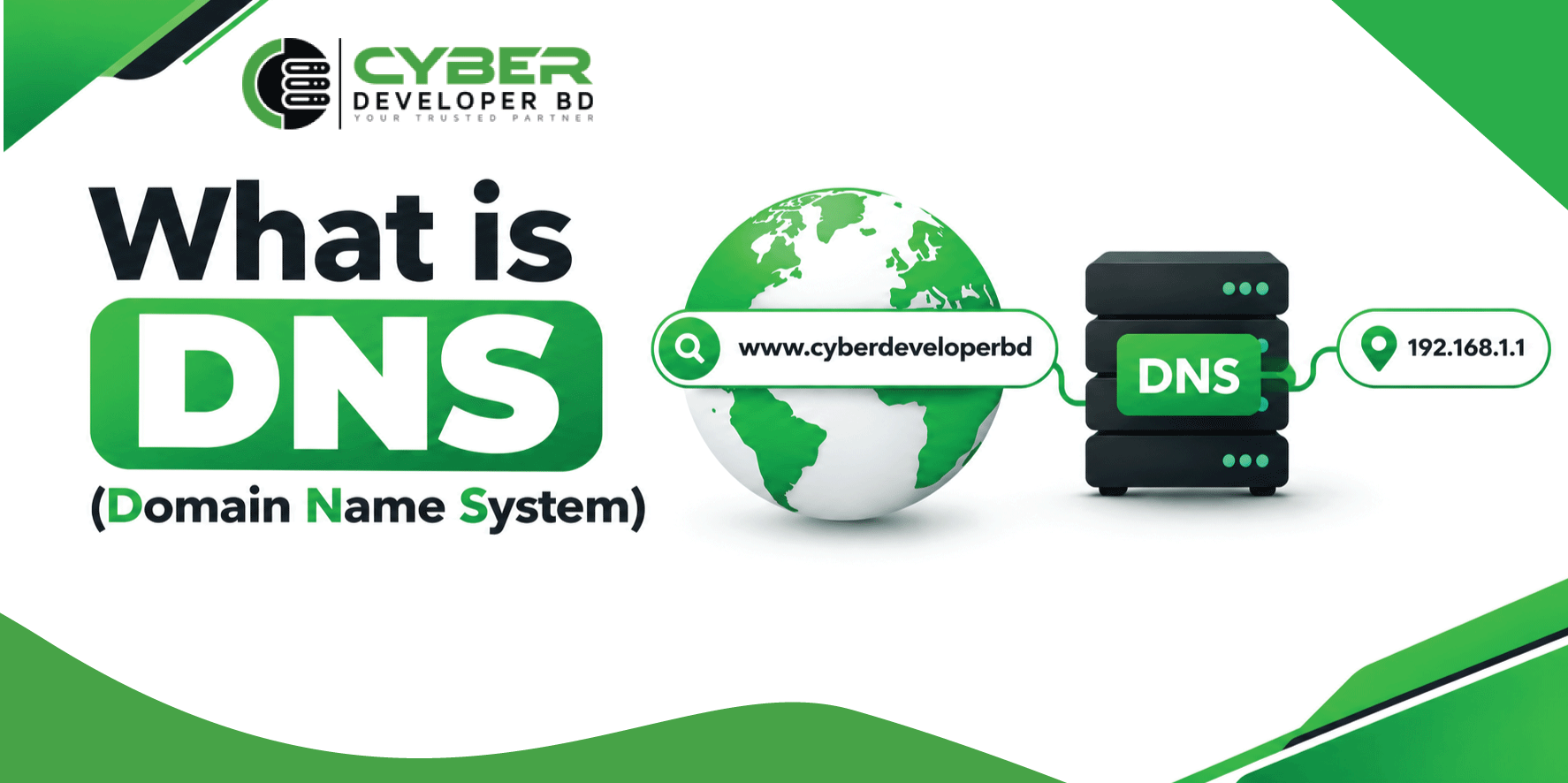
The internet connects millions of computers around the world. However, computers use IP addresses to communicate with each other. Remembering these numbers can be difficult. Therefore, the Domain Name System (DNS) makes internet access easier.
DNS converts domain names into IP addresses. For example, users can type a website name into their browser instead of entering a long numerical address.
Moreover, DNS plays an important role in web hosting, email services, and network management. It also helps website owners manage their online services.
In this guide, you will learn how DNS works, why it matters, and how to check DNS settings on Windows.
What Is DNS?
DNS stands for Domain Name System. It is a system that connects domain names with IP addresses.
Every website has an IP address. However, people find domain names easier to remember. For example, a user can type cyberdeveloperbd.com instead of remembering the server’s IP address.
DNS works like a phonebook. A phonebook connects names with phone numbers. Similarly, DNS connects domain names with IP addresses.
When you visit a website, DNS helps your browser find the correct server. As a result, you can access websites more easily.
Furthermore, DNS supports many other internet services. These include email delivery, online applications, and network communication.
How Does DNS Work?
DNS follows a process called DNS resolution. This process helps a browser find the IP address of a domain.
Step 1: Enter a Domain Name
First, a user enters a domain name into a web browser. For example, the user may type cyberdeveloperbd.com.
Next, the browser needs the server’s IP address to connect to the website.
Step 2: Contact a DNS Resolver
The device sends a DNS query to a recursive resolver. Usually, this resolver belongs to an internet service provider or a public DNS service.
First, the resolver checks its cache. If it finds a valid answer, it can return that answer immediately.
Step 3: Find the Root Server
The root server directs the resolver to the correct top-level domain server.
Step 4: Contact the TLD Server
A top-level domain (TLD) server manages domain extensions such as .com, .org, and .net.
Next, it directs the resolver to the authoritative name servers for the requested domain.
Step 5: Get the IP Address
The authoritative DNS server provides the requested DNS information. For example, it may return an IPv4 address through an A record.
Finally, the resolver sends the answer back to the user’s device.
Step 6: Load the Website
The browser uses the IP address to connect to the web server. Then, it requests the website’s content.
As a result, the website appears on the user’s screen.
This process usually takes only a short time. However, network conditions and DNS server performance can affect the response time.
What Is a DNS Record?
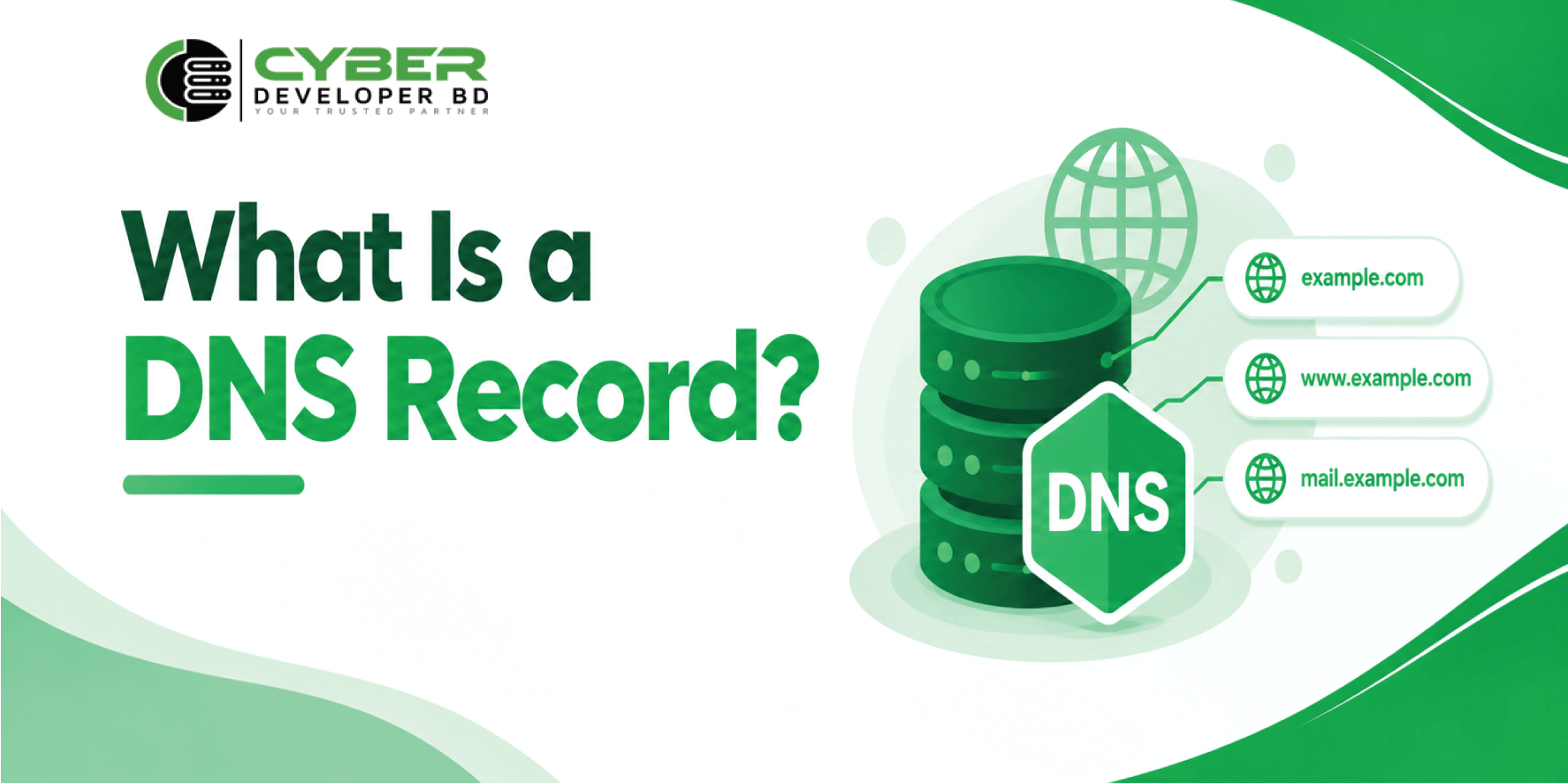
A DNS record stores information about a domain name. Different records serve different purposes. Therefore, website owners must use the correct records for their services.
Common Types of DNS Records
A Record: An A record connects a domain name to an IPv4 address. Website owners commonly use it to point a domain to a web server.
AAAA Record: This record connects a domain name to an IPv6 address. As a result, devices that support IPv6 can find the correct server.
CNAME Record: A CNAME record points one domain name to another domain name. It is useful when different hostnames need to refer to the same destination.
MX Record: An MX record identifies the mail servers that receive emails for a domain. Therefore, it is important for email services.
TXT Record: A TXT record stores text information about a domain. For example, it can support domain verification and email authentication.
NS Record: An NS record identifies the authoritative name servers for a zone.
PTR Record: A PTR record connects an IP address to a domain name during a reverse lookup.
Website owners can manage these records through their DNS provider or hosting control panel. However, incorrect settings may cause website or email problems.
What Is a DNS Server?
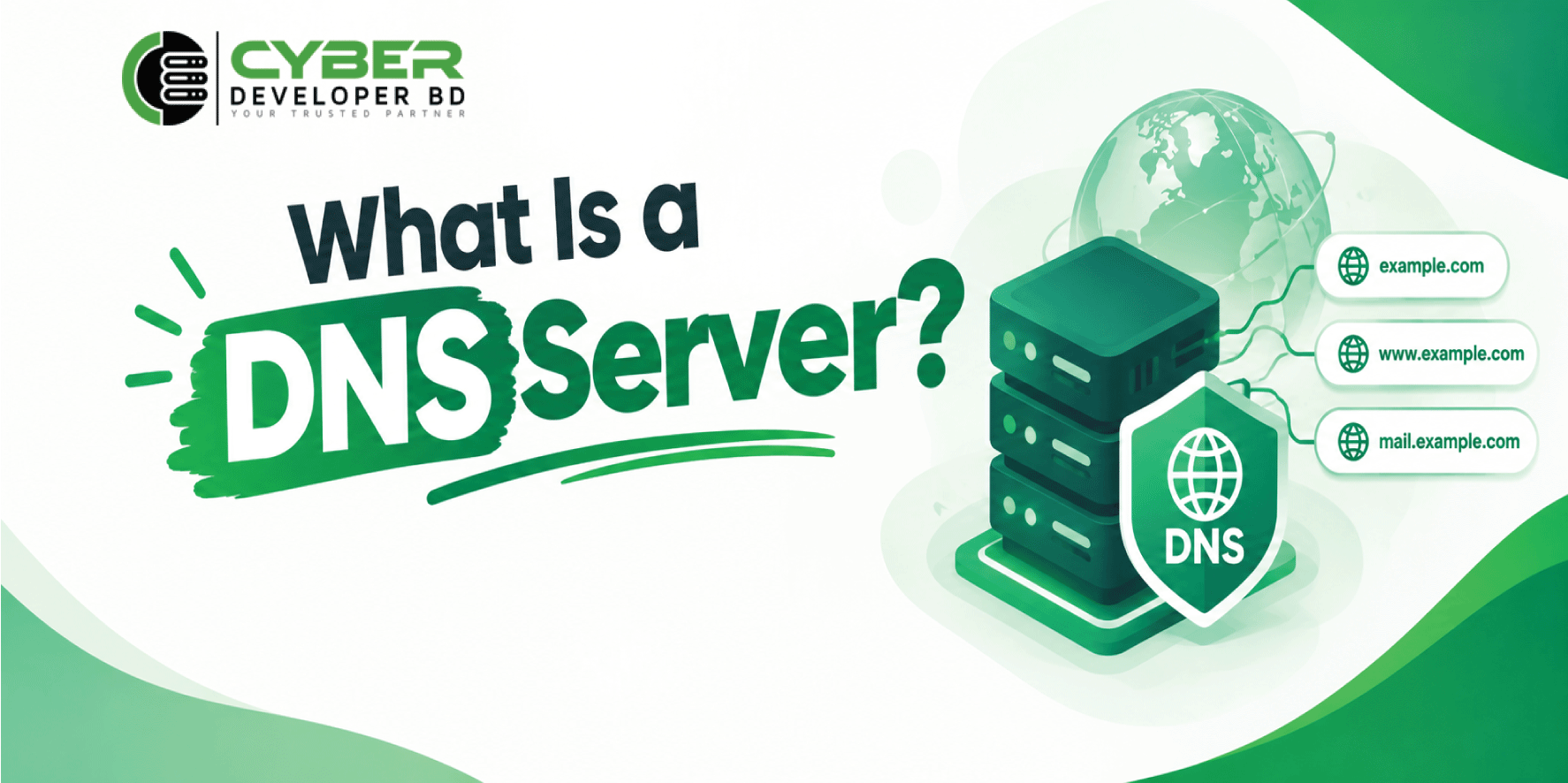
A DNS server processes queries and provides information about domain names. Several types of DNS servers work together to resolve domain names.
Recursive DNS Resolver
A recursive resolver receives queries from users. It then finds the requested information by checking its cache or contacting other DNS servers.
Root DNS Server
A root server directs the resolver toward the correct top-level domain server.
TLD DNS Server
A TLD server helps the resolver find the authoritative name servers for a domain.
Authoritative DNS Server
An authoritative server stores the official records for a domain. Therefore, it provides the final answer for records within its zone.
Together, these servers make website access easier and more reliable.
In contrast, web hosting stores website files and makes them available online.
For example, a website owner may register a domain with one company and purchase hosting from another. In this case, the owner must connect the domain to the hosting service.
Usually, this involves changing the nameservers or updating the required records.
However, changes may take time to appear across different resolvers because of caching.
If the settings are incorrect, visitors may not reach the website. Similarly, if the hosting server is down, the website may remain unavailable even when works correctly.
Therefore, both and web hosting are essential for a successful website.
What Is Reverse DNS?
Reverse DNS, also known as , finds a domain name associated with an IP address.
Regular usually finds an IP address from a domain name. In contrast, reverse DNS performs a lookup in the opposite direction.
Reverse uses PTR records. For IPv4, these records use the in-addr.arpa domain. Meanwhile, IPv6 reverse lookups use ip6.arpa.
Benefits of Reverse DNS
Reverse DNS offers several useful benefits.
Email Delivery: Mail servers may check reverse information when evaluating incoming messages. However, reverse DNS alone cannot guarantee successful email delivery.
Network Troubleshooting: Network administrators can use reverse lookups to investigate servers and connections.
Server Identification: Reverse DNS helps administrators associate IP addresses with meaningful hostnames.
Security Monitoring: It can also support network investigations and security checks.
However, reverse DNS does not prove that a website or server is safe. Therefore, administrators should use it alongside other security measures.
Importance and Benefits of DNS
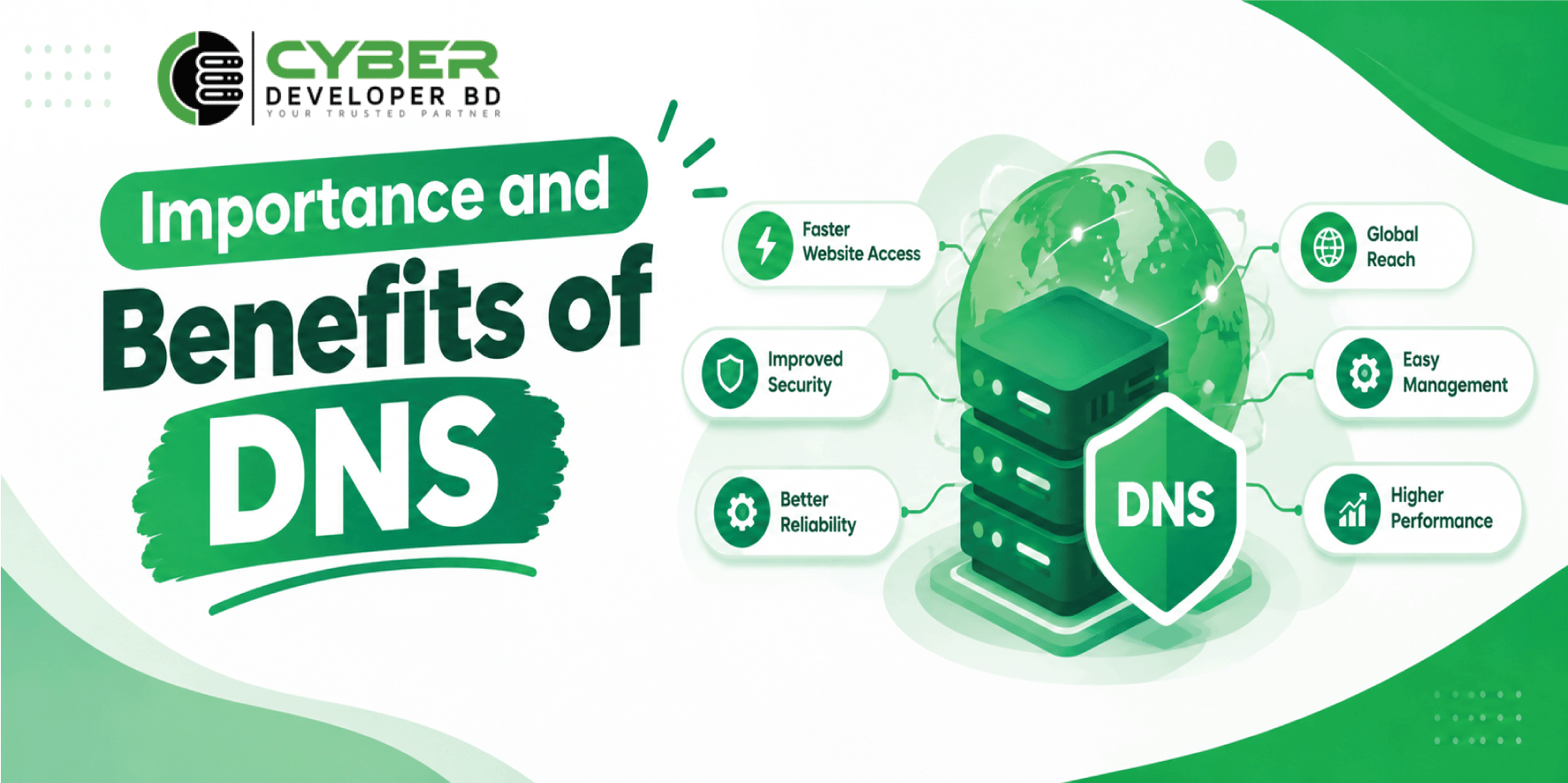
DNS provides several benefits for website owners and internet users.
Easy Website Access
First, DNS allows users to visit websites through simple domain names. Consequently, users do not need to remember numerical IP addresses.
Better Website Management
DNS makes server management easier. For example, website owners can update records when moving a website to another server.
Email Support
DNS records help email systems find the correct mail servers. In addition, TXT records can support email authentication methods such as SPF and DKIM.
Traffic Distribution
Some configurations can return multiple IP addresses. As a result, they can help distribute traffic across several servers.
However, DNS alone does not guarantee equal traffic distribution or automatic failover.
Improved Network Management
DNS also helps administrators manage domains and identify online services. Therefore, it is an important part of modern network infrastructure.
Overall, makes internet services easier to access and manage.
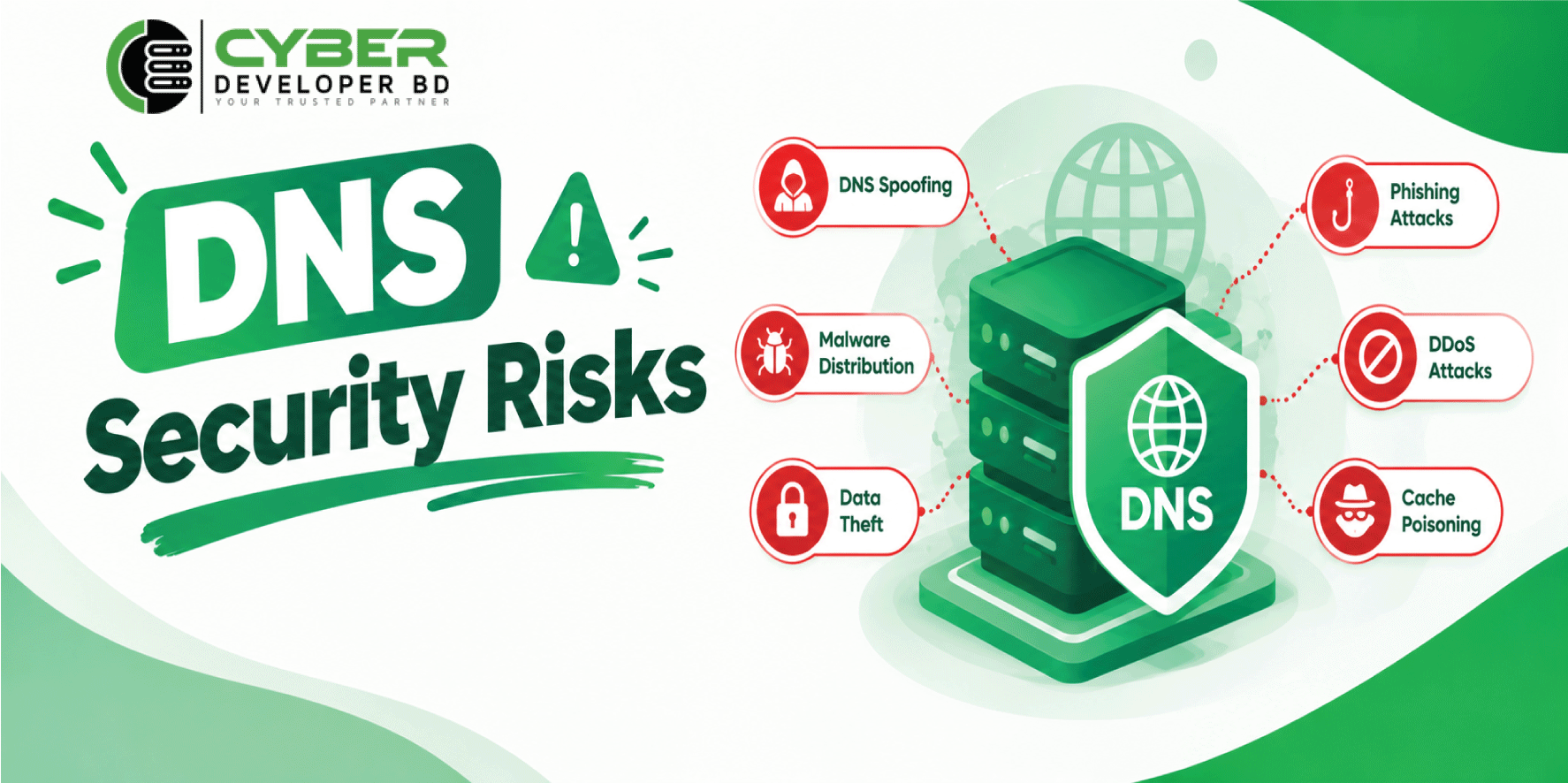
DNS Security Risks
DNS is essential for internet communication. However, it can face several security threats.
DNS Spoofing
DNS spoofing occurs when an attacker attempts to provide false information. Consequently, users may reach an incorrect destination.
In this attack, false information enters a resolver’s cache. Therefore, users may receive incorrect DNS responses.
DDoS Attacks
A distributed denial-of-service (DDoS) attack can overwhelm servers with excessive traffic. As a result, websites and online services may become unavailable.
How to Protect DNS
Website owners can reduce these risks by following a few simple steps.
- First, choose a reliable DNS hosting provider.
- Next, use strong passwords and enable multi-factor authentication.
- Also, protect the domain registrar account.
- Then, review records regularly.
- Where supported, configure DNSSEC correctly.
- Finally, monitor activity and use suitable attack protection.
These measures can improve DNS security and reduce the risk of service interruptions.
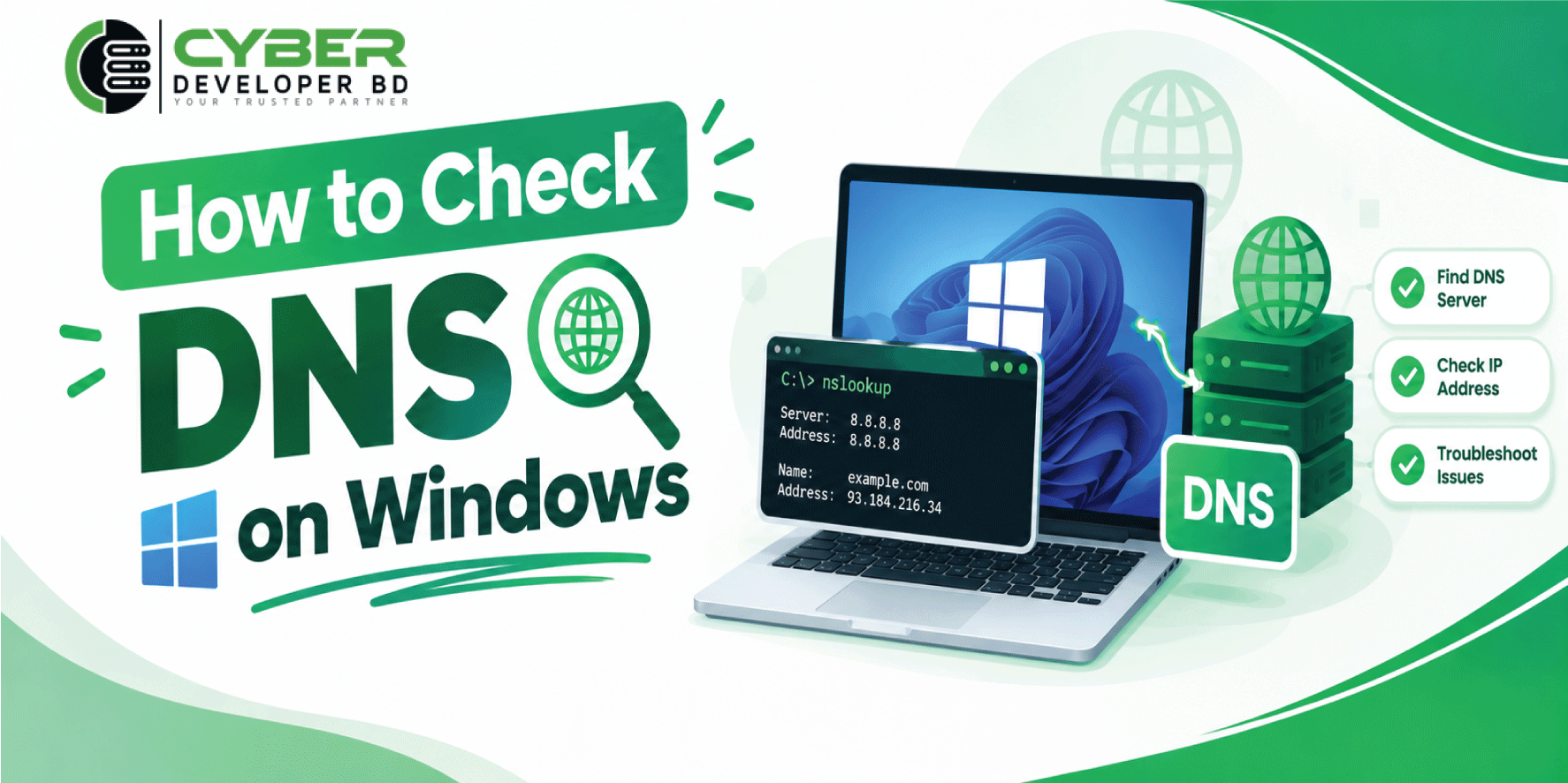
How to Check DNS on Windows
Windows includes useful commands for checking settings. These tools can help users diagnose common network problems.
Method 1: Use the nslookup Command
The command checks DNS information for a domain.
Follow these steps:
- Open the Start menu.
- Search for Command Prompt.
- Open the application.
- Enter this command:
- Press Enter.
The output usually shows the server used for the query and the domain’s returned IP address.
Method 2: Check DNS Settings
You can also use the command to view network settings.
First, open Command Prompt. Next, enter the following command:
Then, press Enter.
The output displays network details, including IP addresses and configured servers. Therefore, it can help you identify incorrect network settings.
Method 3: Clear the DNS Cache
Sometimes, cached information may cause access problems. In that case, clearing the local DNS cache may help.
Open Command Prompt and enter:
Next, press Enter.
Windows will attempt to clear its local resolver cache. However, this command does not change DNS records on the authoritative server.
These commands are useful for website developers, network administrators, and everyday Windows users.
Conclusion
The Domain Name System is a key part of the internet. It connects domain names with IP addresses and helps users access websites easily.
also supports web hosting, email services, and network management. In addition, reverse helps administrators identify hostnames associated with IP addresses.
However, incorrect settings can cause website errors and email delivery problems. Security threats can also affect services. Therefore, website owners should configure their records carefully and protect their accounts.
Finally, Windows tools such as and make troubleshooting easier.
In conclusion, understanding is important for anyone who manages a website or works with internet services. A properly configured system helps websites remain accessible, reliable, and secure.

