5 Most Useful WordPr...
5 Most Useful WordPress Plugins You Must Use
5 Most Useful WordPress Plugins You Must Use
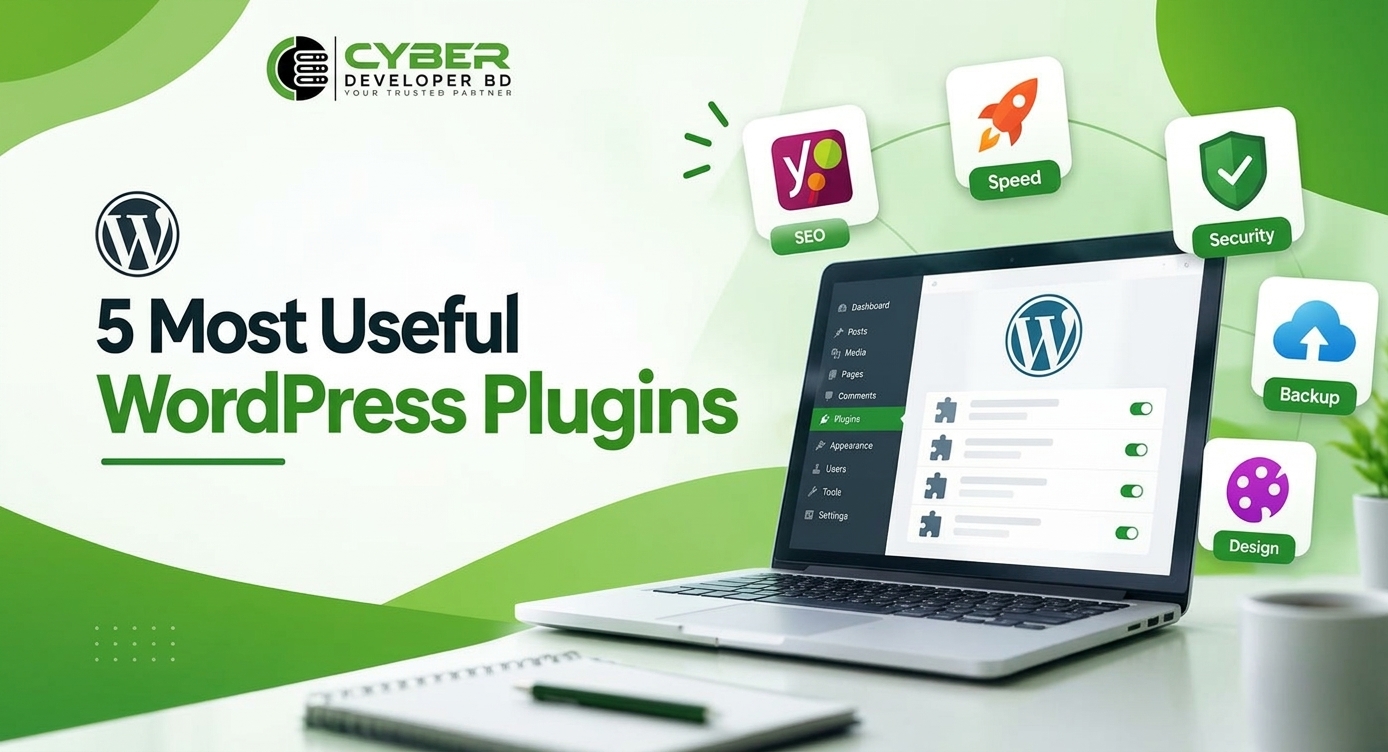
WordPress plugins can make your website better and easier to manage. They can help with SEO, speed, security, backups, and design.
You can use them on many types of websites. These include blogs, business sites, portfolios, and online stores.
There are thousands of plugins available. So, finding the right one can be hard.
In this guide, we will look at five useful plugins. Each one has a different job. We will also explain who can use them.
Why Are WordPress Plugins Important?
Plugins add new features to your website. You can use them without writing complex code.
For example, a plugin can help with SEO. Another plugin can help make your site faster. You can also use plugins for security, backups, and page design.
Plugins can save time. They can help website owners and developers work faster.
However, you should not install too many plugins. Use only the plugins that your website needs.
1. Yoast SEO
SEO helps people find your website on search engines.
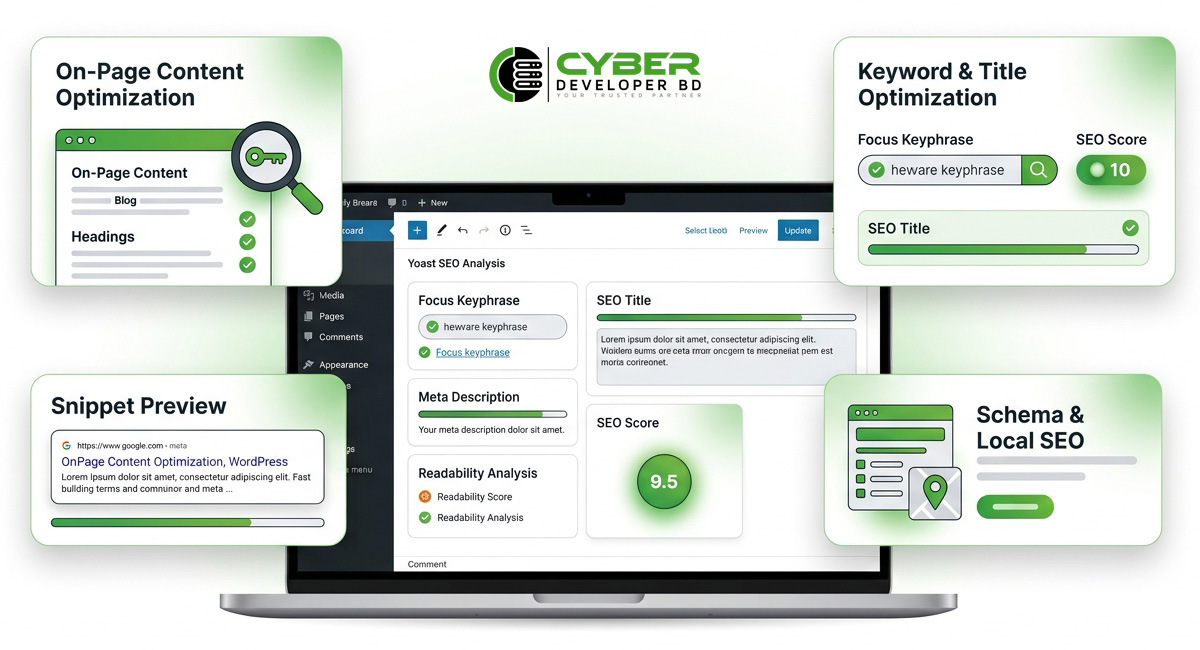
Yoast SEO is a popular SEO plugin for WordPress. It helps you improve your website content and on-page SEO.
Why Use Yoast SEO?
Yoast SEO has many useful features.
These include:
- Focus keyphrase
- SEO title
- Meta description
- Headings
- Readability checks
- XML sitemaps
- Structured data
- Social previews
The plugin also gives tips while you write. These tips can help beginners learn basic SEO.
Yoast can also check some parts of your content. For example, it can check readability and keyword use.
Who Should Use Yoast SEO?
Yoast SEO can help bloggers, writers, business owners, and WordPress developers.
However, an SEO plugin cannot promise higher Google rankings.
You also need good content. Keyword research is important too. Your website should also work well and give users a good experience.
2. WP Rocket
Website speed is important for visitors.
People may leave a site if it takes too long to load. A slow site can also make browsing harder.
WP Rocket is a caching and speed plugin. It helps improve website performance.
Why Use WP Rocket?
Caching helps a website serve pages faster.
WP Rocket has many useful features.
These include:
- Page caching
- Cache preloading
- Browser caching
- CSS optimization
- JavaScript optimization
- Lazy loading
- File optimization
These features can help your website load more smoothly.
However, you should set up the plugin with care. Every website may need different settings.
Who Should Use WP Rocket?
WP Rocket can help many types of websites.
You can use it on:
- Blogs
- Business websites
- Portfolio sites
- WooCommerce stores
Do not use several caching plugins at the same time.
They may conflict with each other. So, check your hosting setup before adding another caching plugin.
3. Wordfence Security
Website security is very important.
A website may store important files and data. It may also have user accounts and customer details.
Wordfence Security is a popular security plugin. It helps protect and monitor WordPress websites.
Why Is WordPress Security Important?
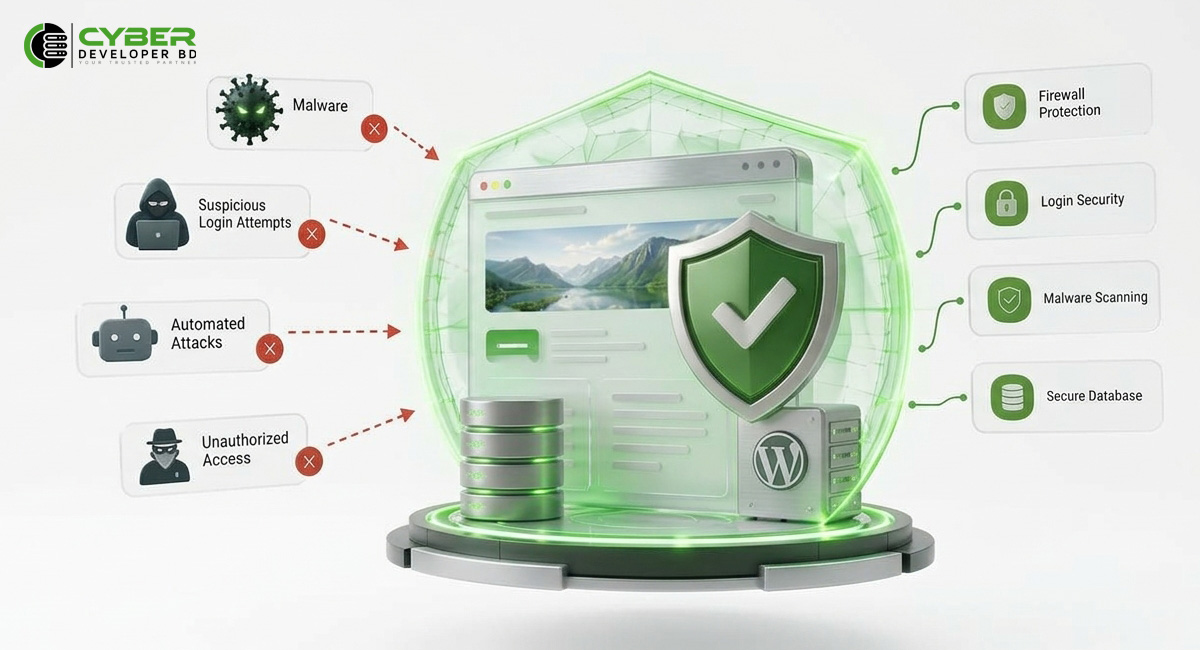
WordPress websites can face many threats.
These can include:
- Automated attacks
- Bad login attempts
- Malware
- Unauthorized access
- Other security threats
You should follow some basic security steps.
Use strong passwords. Keep WordPress updated. Give admin access only to trusted users. Also, keep regular backups.
A security plugin can add another layer of protection. It can also help you find strange activity.
Who Should Use Wordfence?
Wordfence can help many website owners.
It can be useful for:
- Business websites
- Blogs
- Online stores
- Websites with user accounts
But website security needs regular care.
Do not install a security plugin and forget about it. Check security alerts often. Also, keep your WordPress site updated.
4. UpdraftPlus
A backup is very important for any website.
Think about losing your website after months of work. You could lose posts, images, products, and other data.
This can happen because of a server issue. It can also happen after a bad update or human error.
UpdraftPlus is a popular backup plugin. It helps you create and manage website backups.
Why Are Backups Important?
Website problems can happen at any time.
A plugin update may cause an issue. Someone may delete important files by mistake. A hosting problem may also affect your website.
A backup gives you another way to recover your site.
Do not rely only on your hosting provider’s backup. Keep your own backup when possible
.
Best Backup Practices
First, choose a backup schedule that fits your site.
A site that changes every day may need daily backups. A simple business site may need fewer backups.
Next, keep backup files in a separate place.
Finally, test your backups from time to time.
A backup is useful only if you can restore your website.
5. Elementor
Good design can make a website easier to use.
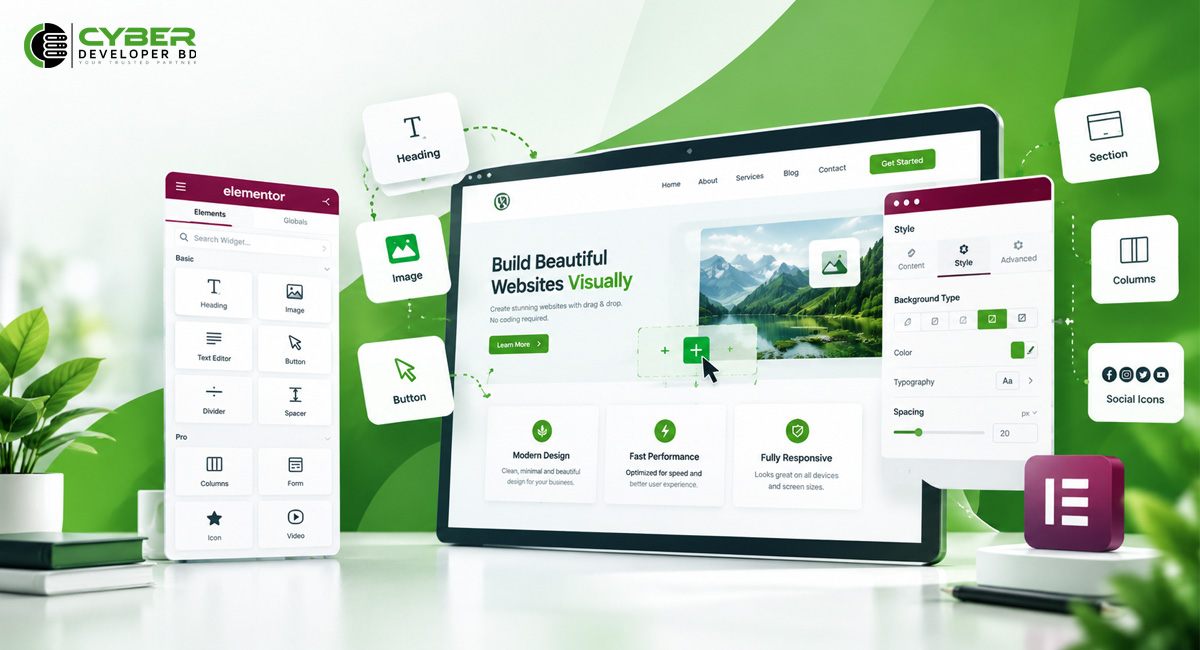
Elementor is a popular visual page builder. It lets you build pages with a visual editor.
You do not need to write code for every design element.
Why Use Elementor?
Elementor lets you create many page elements.
You can create:
- Sections
- Columns
- Buttons
- Images
- Headings
- Forms
- Landing pages
- Call-to-action sections
Elementor is useful if you want more control over your page design.
You can build a page without writing custom HTML and CSS for every part.
Who Should Use Elementor?
Elementor can help:
- Freelancers
- Agencies
- Business owners
- Website designers
For example, you can use Elementor to build a business landing page.
You can add services, images, buttons, testimonials, and contact forms.
However, do not add too many widgets or animations.
Too many elements can make a page harder to use. They can also make the site harder to manage.
How to Choose the Right WordPress Plugins
You do not need every plugin you find.
Choose plugins based on your website needs.
First, check what the plugin does. Make sure it gives you the feature you need.
Next, check when it was last updated. Also, check its support and user reviews.
Make sure the plugin works with your WordPress version.
Do not download plugins from unknown websites. Such files may have security risks.
You should also check your current hosting setup.
For example, your hosting may already have a caching system. In that case, you may not need another caching plugin.
The same applies to SEO plugins.
Using two SEO plugins at the same time is usually not needed.
So, check your current setup before adding a new plugin.
Do Too Many WordPress Plugins Slow Down a Website?
Not always.
The number of plugins is not the only thing that matters.
Each plugin works in a different way. Some plugins use more server resources than others.
Poorly built plugins can affect site speed. Unneeded plugins can also create other problems.
So, remove plugins that you do not use.
Keep the plugins you need. Also, keep them updated.
After a major update, check your website to make sure everything works.
Tips for Using WordPress Plugins Safely
Before installing a plugin, ask yourself one question.
Do I really need it?
If you need it, check if it works with your WordPress version.
You should also check recent updates. Read the plugin details and user reviews.
Always keep a recent backup.
This is very important before major changes or plugin updates.
Do not download paid plugins from unknown sources.
Modified plugin files may contain harmful code. They may also cause problems on your website.
Test major changes before making them live.
If you run a business site or online store, a staging site can help. You can test changes there first.
Keep Your WordPress Plugins Updated
Plugin updates are important.
Updates may fix bugs. They may also fix security problems.
Some updates add new features. Others improve compatibility with WordPress.
So, check for updates on a regular basis.
But do not update everything without checking your site.
A new update can sometimes cause problems with another plugin.
For this reason, create a backup before major updates.
After an update, check your main pages. Make sure your forms, menus, and other features still work.
If you have a staging site, test major updates there first.
Remove Unused WordPress Plugins
Unused plugins do not help your website.
They can increase maintenance work. They may also create security risks.
So, check your installed plugins from time to time.
If you do not need a plugin, deactivate it. Then remove it from your website.
Also, do not install several plugins for the same job.
Try to use one good plugin for each main task.
This can make your website easier to manage.
Frequently Asked Questions
Which WordPress plugins are most useful?
The best plugins depend on your website.
However, Yoast SEO, WP Rocket, Wordfence, UpdraftPlus, and Elementor can help with SEO, speed, security, backups, and design.
How many WordPress plugins should I install?
There is no fixed number.
Install only the plugins you need.
The quality of a plugin is more important than the total number of plugins.
Remove plugins that you no longer use.
Can too many plugins slow down WordPress?
Not always.
The effect depends on the plugins you use.
Some plugins use more server resources than others. Poorly built plugins can also cause speed or compatibility issues.
So, use only the plugins that you really need.
Should I update WordPress plugins regularly?
Yes.
Regular updates can fix bugs and security issues. They can also add new features.
Before a major update, create a backup.
After the update, check your website and make sure everything works.
Final Thoughts
The right plugins can make your website easier to manage.
They can help with SEO, speed, security, backups, and design.
Yoast SEO can help with SEO. WP Rocket can help with speed.
Wordfence can help protect your website. UpdraftPlus can help with backups.
Elementor can help you build and design pages.
However, do not install a plugin just because it is popular.
Choose plugins based on your website needs.
Keep your plugins updated. Remove plugins you do not use. Keep regular backups.
Also, check plugin compatibility before installing new software.
With the right setup, you can build a safer, faster, and easier-to-manage WordPress website.

